Trackpad Support Engine

Trackpad support

AppHub v3.0 introduced Trackpad Support Engine – the exclusive AppHub feature that analyzes multitouch events on Apple trackpads. Trackpad touches are listened at any moment AppHub is running. Trackpad Support Engine module does not require accessibility permissions.
You can perform 2 different trackpad gestures.

These are the exact trackpad gestures that were used for Apple Launchpad:

•  5-finger pinch (or 4-finger pinch) – opening AppHub window
•  5-finger spread (or 4-finger spread) – closing AppHub window

You can enable both gestures or only one of them.

For trackpad gestures to work:

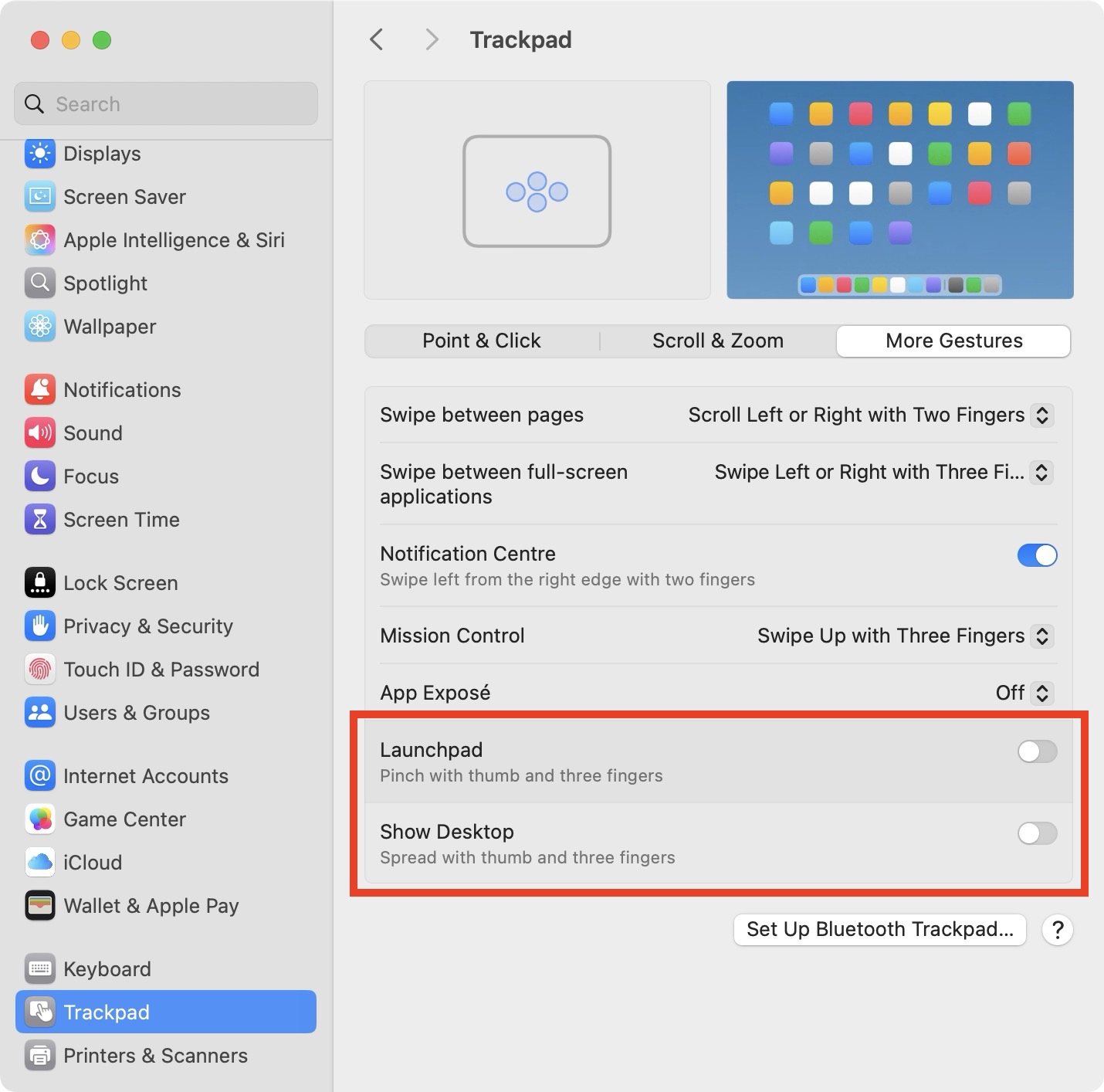
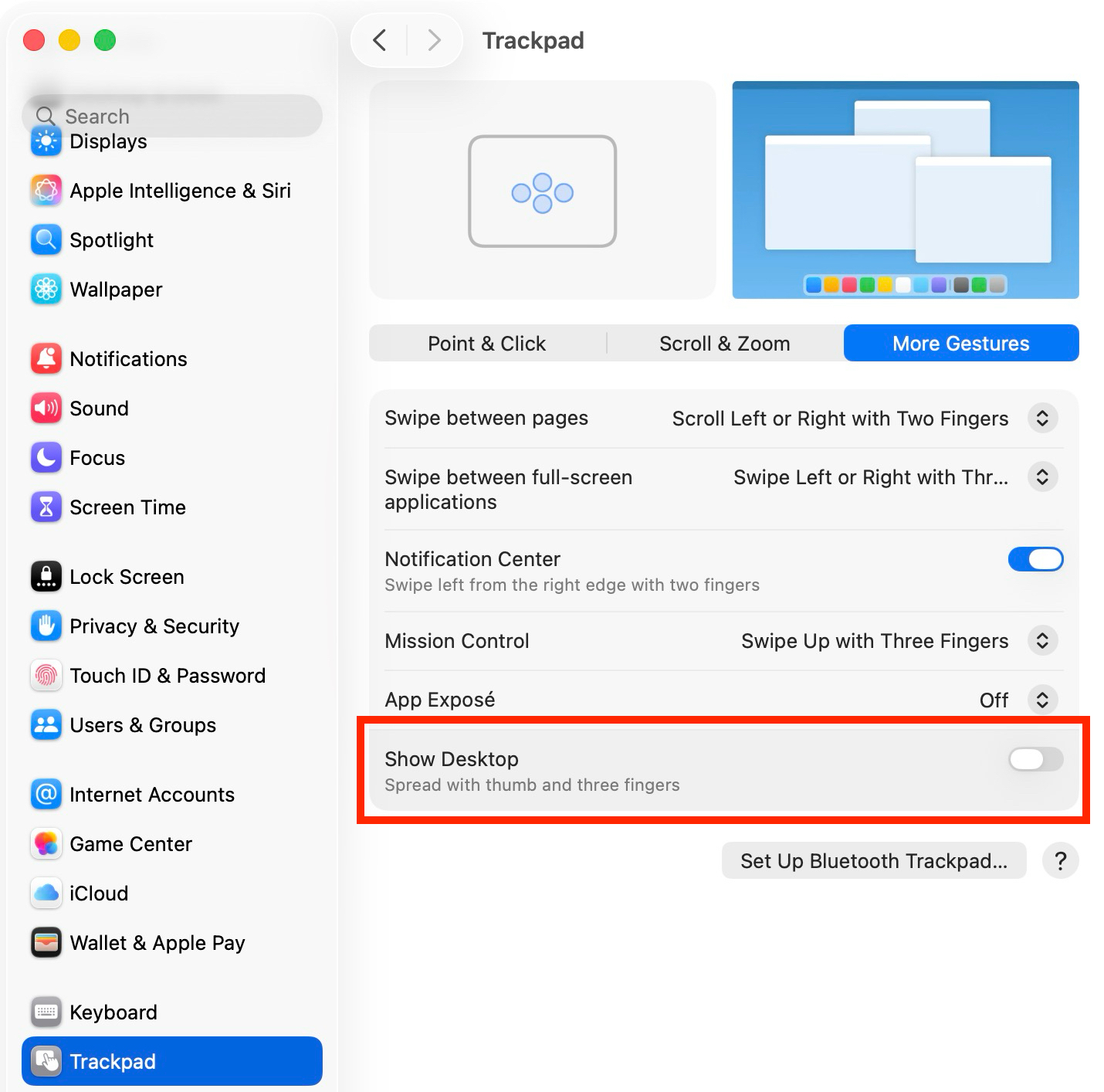
1. You need to disable some system trackpad gestures in macOS System Settings.

On macOS 15: Launchpad gesture must be disabled; you can leave Show Desktop gesture enabled (if you don't use AppHub closing gesture)

On macOS 26: Show Desktop gesture must be disabled

⚠️  Optional: you can also disable App Exposé swipe down gesture if you accidentally trigger it while doing AppHub gestures.


2. AppHub app must be launched (window can be closed; any other app can be in focus). If you want to always open AppHub with a trackpad gesture, you can either:
•  enable "Open at login" option in AppHub settings
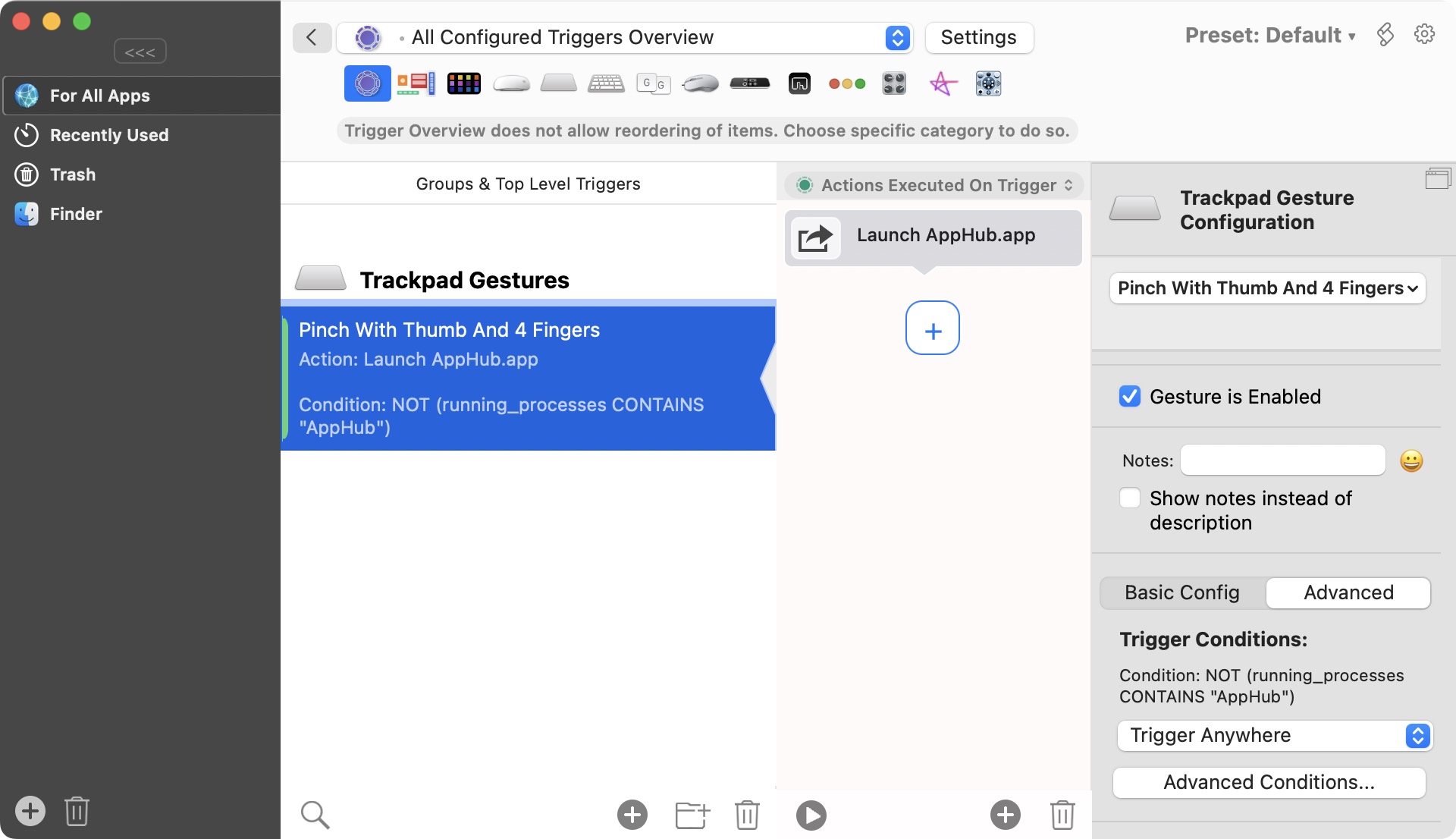
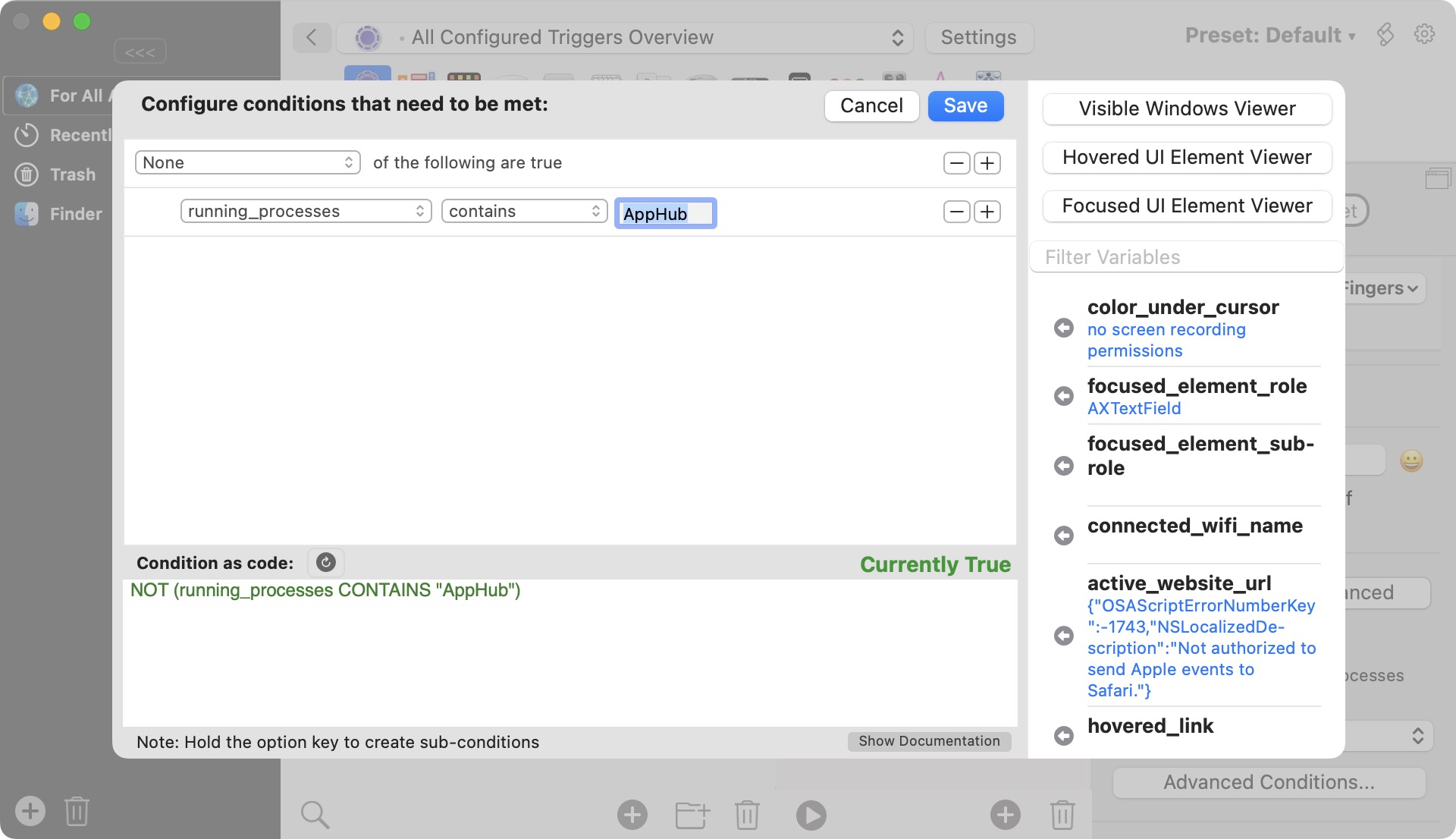
•  set up a custom trackpad gesture to launch AppHub.app using BetterTouchTool

3. Your trackpad must be the default trackpad (if you have several trackpads connected).


⚠️  If you are using Magic Trackpad, you need to disable other input devices for gestures to work.


4. Trackpad gestures must be enabled in AppHub settings (enabled by default).

You can do the gestures with 4 or 5 fingers.

You can set AppHub to only recognize 5 fingers gestures.

You can also change the gestures sensitivity.

If "Dynamic animation" option is enabled, AppHub window appearing / disappearing speed will vary based on the speed of performing the trackpad gesture. If you move fingers very fast, AppHub opening window animation may be completely skipped (however, on macOS 26 new windows always animate). When "Dynamic animation" is off, AppHub window will animate with the fixed speed.

The speed of "Animation on launch" (optional apps icons effects) is also affected by "Dynamic animation".

© Copyright 2025 AppHub.  |  Privacy Policy